Camera-style interaction design
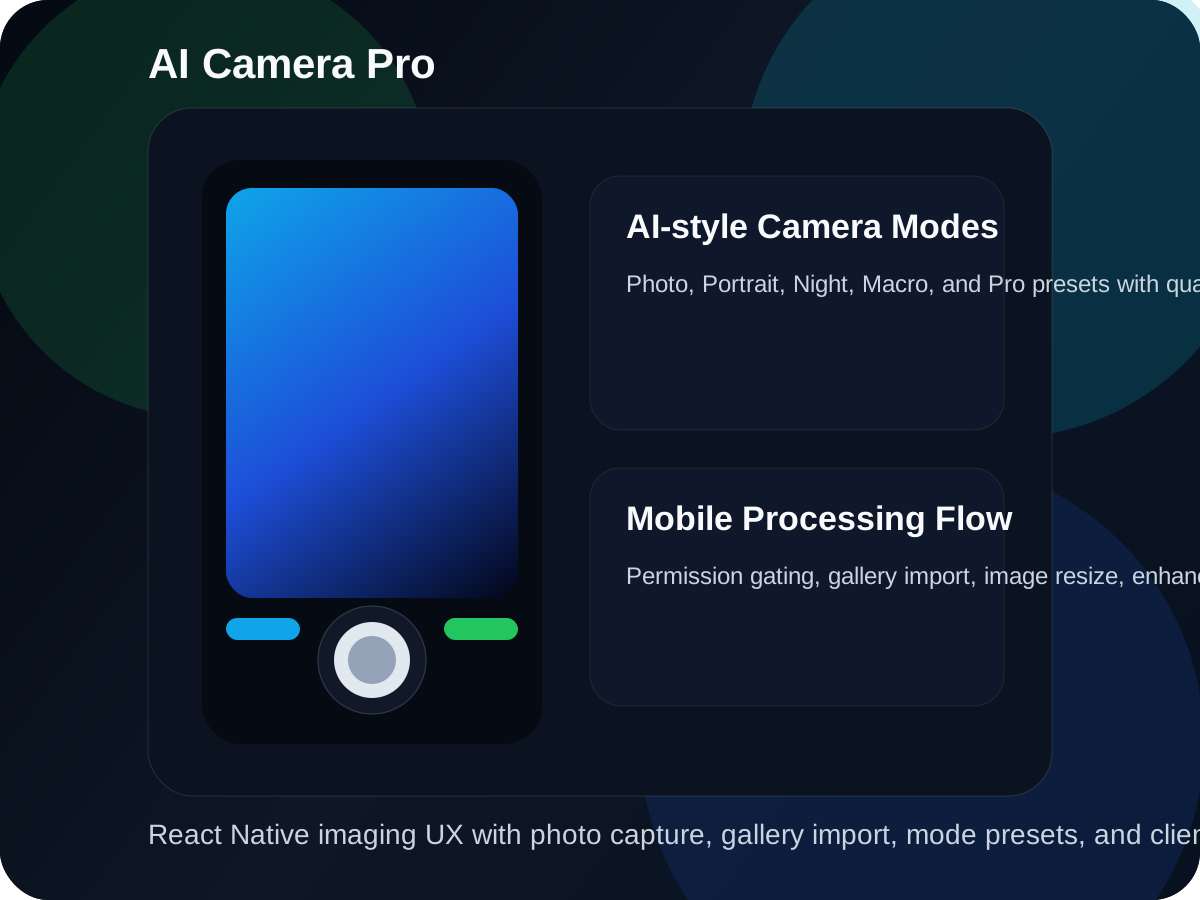
The project is shaped like a real mobile camera experience with capture animation, flash modes, settings, and mode switching instead of a simple upload page.
Mobile imaging case study
React Native camera experience with permission flow, capture modes, gallery import, and client-side enhancement behavior
AI Camera Pro is a mobile imaging prototype built with React Native. It combines a premium camera-style interface with Android permission handling, photo capture, gallery import, mode-specific enhancement behavior, image resizing, flash control, quality selection, animated capture feedback, processing overlays, and preview presentation. The current implementation focuses on device-side user experience and enhancement flow design rather than cloud AI APIs, which makes it a good example of mobile product thinking around imaging and responsiveness.
System proof
The project is shaped like a real mobile camera experience with capture animation, flash modes, settings, and mode switching instead of a simple upload page.
Images go through a device-side enhancement pipeline with resizing, quality-aware targets, and processing feedback rather than a dead-end capture step.
Android camera and storage permissions are handled explicitly so the app behaves like a product that understands real device constraints.
Animated states, modal preview, settings drawer behavior, and richer visual framing make this feel stronger than a default starter camera screen.
The app does not assume hardware access. Camera and media permissions are requested and surfaced as part of the first-run mobile experience.
Photo, Portrait, Night, Macro, and Pro modes are framed as separate enhancement personalities, making the app more productized than a single-mode capture utility.
Captured or imported images pass through a resizing flow with quality-aware output targets, processing progress, and post-capture transformation steps.
Users can shoot a new photo with camera access or bring in an existing image from the gallery for the same enhancement flow.
Photo preview, flash toggles, quality selection, and settings surfaces are treated as first-class parts of the app experience.
This project shows that I can turn a lower-level device capability into a more refined product experience with clear interaction states.
The app is built as a native mobile product with direct permission handling, animated state, and a capture-first screen structure.
Camera and gallery access are handled through native device bridges rather than browser-like abstractions.
The enhancement flow currently uses local image resizing and mode-dependent processing decisions to keep the experience immediate on device.
Permission screens, status bar handling, preview modal, and animated transitions make the app feel more complete as a mobile product exercise.
Ownership
Technology index